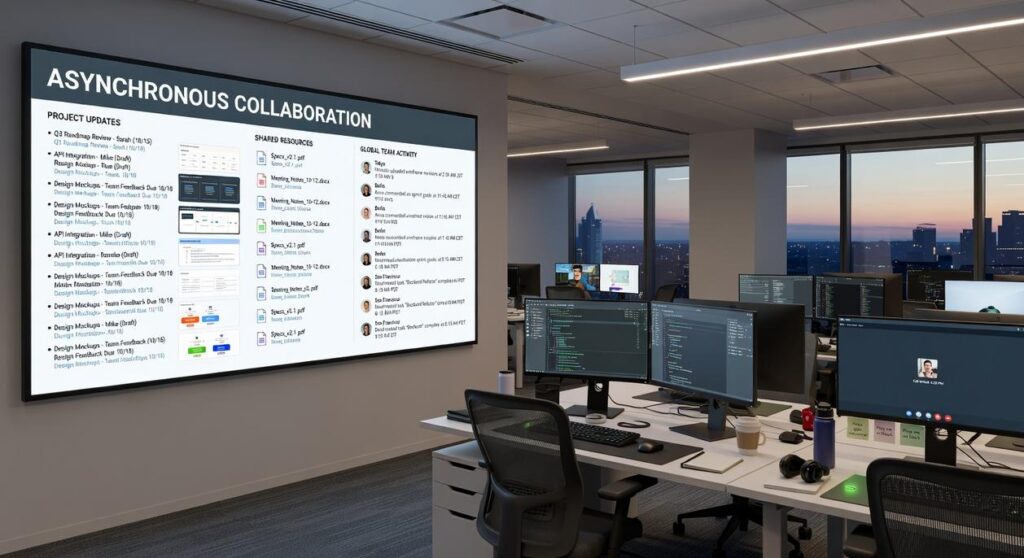
Unlocking peak performance in a dispersed team takes more than downloading a few remote team collaboration tools. Without a clear strategy, teams fall into communication silos, notification overload, and disconnected workflows that drain productivity and morale. This guide goes beyond surface-level app lists to help you design a cohesive digital headquarters built on sound software architecture principles. You’ll learn how to evaluate and integrate tools for real-time communication, asynchronous project management, and knowledge sharing—so every platform serves a defined purpose. If you’re looking to eliminate fragmentation and build a streamlined, high-performing virtual environment, this framework will show you how.
The Three Pillars of a High-Functioning Virtual Workspace
As remote teams increasingly rely on smart tools to enhance collaboration and productivity, staying ahead of the curve becomes essential—especially in light of the Top Tech Industry Trends Shaping the Global Market in 2026.
A high-functioning virtual workspace isn’t about stacking apps—it’s about separating purpose. When every ping feels urgent, burnout follows (and nobody does their best thinking in notification chaos).
-
Synchronous Communication (The Digital Water Cooler)
This is real-time chat and video for quick clarifications and human connection. Think rapid-fire problem solving or a five-minute gut check before launch. Use it for speed, not storage. If everything lives here, context disappears. -
Asynchronous Collaboration (The Project Hub)
Dedicated spaces for tasks, timelines, and deep work. The best remote team collaboration tools protect focus by letting people respond on their schedule. Pro tip: default to async unless urgency is proven. -
Knowledge Management (The Central Brain)
A single source of truth for processes and FAQs. Without it, teams repeat themselves endlessly (Groundhog Day, but with status updates).
What’s next? Audit your stack. Where are overlaps causing friction—and what deserves its own lane?
Synchronous Tools: Fostering Real-Time Connection and Clarity
Real-time communication platforms often look identical on the surface. But their competitive edge lies beneath the interface.
Slack vs. Microsoft Teams
Slack thrives in modular ecosystems. Its API depth allows startups to stitch together niche SaaS apps like Lego blocks (think Zapier-heavy workflows). Teams, by contrast, is tightly woven into Microsoft 365—meaning Excel, SharePoint, and Outlook aren’t add-ons; they’re structural beams. Critics argue Slack feels lighter and less bloated. Fair. But enterprises managing compliance across thousands of users often prefer Teams’ centralized governance and advanced security policies (Microsoft, 2024).
Ideal fit:
- Slack: API-first startups and dev-centric teams
- Teams: Compliance-heavy enterprises
Zoom vs. Google Meet
Zoom still leads in breakout room controls and transcription accuracy, particularly for large webinars (Zoom, 2024). Google Meet counters with frictionless Calendar integration and browser-native simplicity—no downloads, fewer IT tickets (a quiet win). Some say “video is video.” Yet transcription precision impacts documentation quality—especially for distributed remote team collaboration tools.
The Emerging Device Factor
Mobile-first optimization matters. Teams’ desktop depth contrasts with Meet’s lightweight browser agility. Lag on older Android devices? That’s a dealbreaker in global teams.
Selection Criteria
Choose based on:
- Team size
- Existing stack
- Security architecture
Pro tip: Audit integration redundancy before committing.
Asynchronous Platforms: Driving Projects Forward Without the Noise
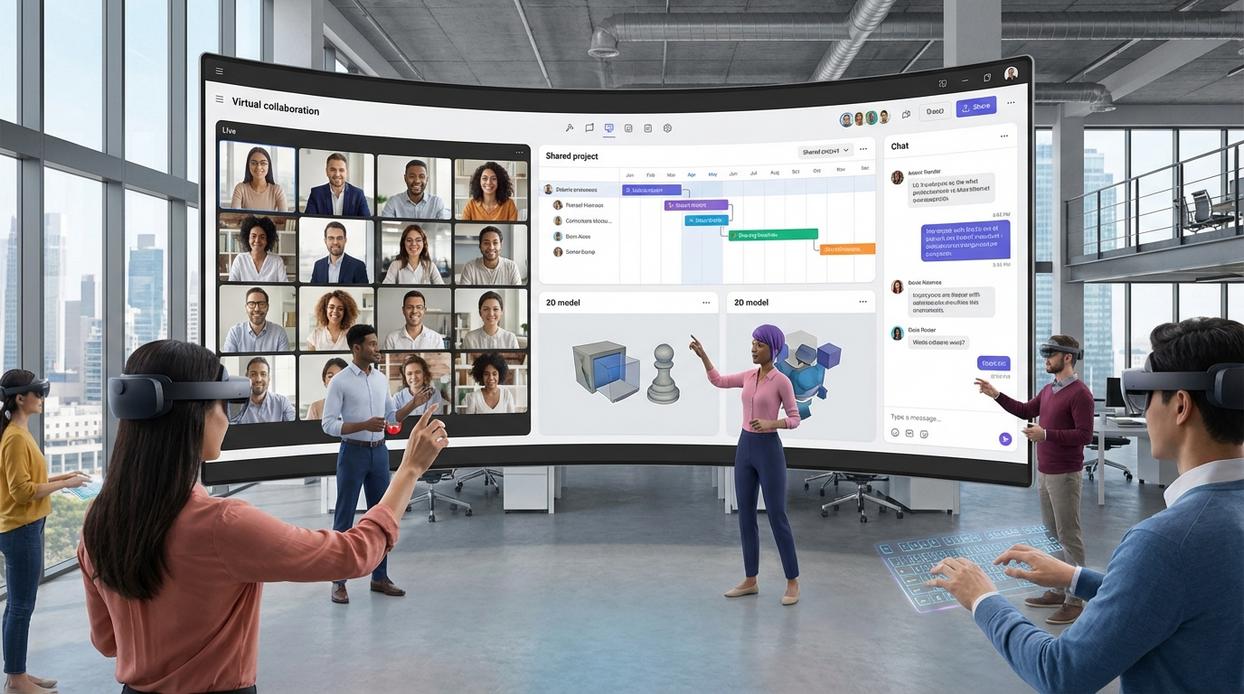
Asynchronous work thrives on clarity. The right platform acts as guardrails, not a megaphone.
Visual Project Management: Kanban vs. Timelines vs. Lists
Kanban boards (Trello-style) visualize tasks as cards moving across columns. Marketing teams love this A vs. B simplicity: campaign stages vs. task status. It’s intuitive (drag, drop, done) and ideal for fast-moving creative work.
Timelines (Monday.com-style) map tasks against dates. Think product launches where dependencies matter. Engineering managers often prefer timelines when sequencing releases.
List views (Asana-style) resemble structured to-do lists—perfect for operations teams handling repeatable workflows.
Pro tip: If your team debates process more than progress, start with Kanban. Simplicity scales.
Developer-Centric Systems: Jira
Jira remains the gold standard for software teams because it mirrors agile frameworks—agile meaning iterative, sprint-based development. Structured backlogs, sprint boards, and issue tracking align directly with Scrum ceremonies. Critics argue it’s complex. True. But that rigor prevents chaos when managing thousands of tickets (ask any DevOps lead).
The All-in-One “Work OS”: ClickUp vs. Notion
ClickUp emphasizes task depth and automation. Notion blends docs, wikis, and databases. Consolidation reduces tool sprawl, but customization can overwhelm new users.
When evaluating remote team collaboration tools, compare learning curve, automation strength, and reporting depth side-by-side.
For deeper workflow optimization, explore time management techniques for busy it professionals.
Knowledge Hubs: Building Your Team’s Single Source of Truth
A knowledge hub is a centralized system where documentation, processes, and decisions live—your team’s “single source of truth” (meaning the one place everyone trusts). Flexible wikis like Notion and Coda combine docs, databases, and project trackers into one interconnected workspace. That flexibility is powerful: you can link meeting notes to product specs to sprint boards in seconds. However, critics argue these tools can become messy playgrounds without governance. Fair point. Without structure, even the best system turns into digital clutter.
On the other hand, dedicated platforms like Confluence, Slab, and Guru prioritize structure. They offer advanced search, verification workflows (content review cycles to keep info accurate), and browser extensions that surface answers inside remote team collaboration tools. Consequently, teams spend less time hunting and more time executing.
The real test? Searchability. If answers aren’t findable in under 30 seconds, your hub fails. Therefore, choose based on content creation ease, chat integrations, and granular permission controls.
From Tools to a System: Architecting a Seamless Workflow
First, stop hunting for the “perfect” app. Instead, design a system where data flows between communication, project, and knowledge hubs. In practice, that means connecting your remote team collaboration tools so nothing lives in isolation.
Here’s a simple, useful setup:
- Save a message in Slack.
- Trigger Zapier to create a task in Asana.
- Auto-attach the Slack link to the task for context.
As a result, you reduce manual entry and prevent missed action items. Over time, this lowers context switching and keeps everyone aligned with the latest information.
Crafting Your Team’s Digital Collaboration Engine
You set out to find a smarter way to power your team’s workflow—and now you have a clear framework to evaluate software beyond surface-level features. By addressing synchronous, asynchronous, and knowledge-based work intentionally, you can eliminate the digital friction that slows progress and frustrates distributed teams.
The right stack of remote team collaboration tools becomes more than software—it becomes your productivity engine and culture builder.
Now take action: audit your current tools against the three pillars, pinpoint your biggest bottleneck, and implement one targeted solution this week. Streamline the chaos, remove the friction, and give your team the seamless collaboration it deserves.